CS2 crosshair generator
Change length, gap, thickness, outline, dot and color, see it live on a light or dark background, and copy the commands into your CS2 console.
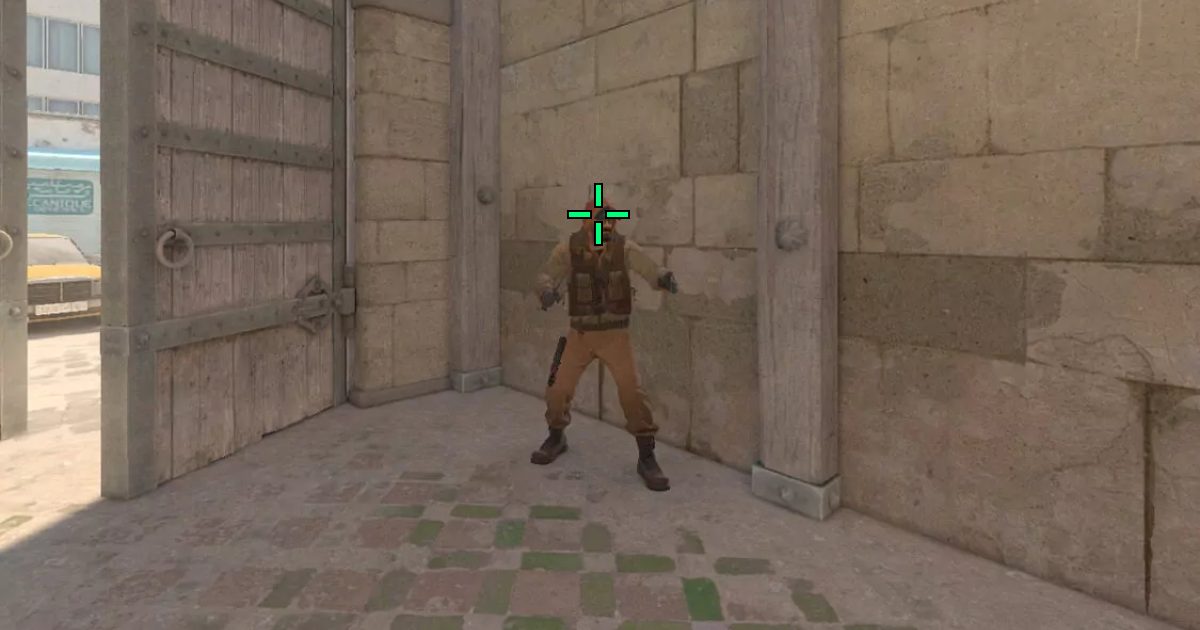
cl_crosshairstyle 4; cl_crosshairsize 2.5; cl_crosshairthickness 1; cl_crosshairgap -2; cl_crosshairdot 0; cl_crosshair_drawoutline 1; cl_crosshair_outlinethickness 1; cl_crosshair_t 0; cl_crosshaircolor 1; cl_crosshairusealpha 1; cl_crosshairalpha 255How to use your crosshair in CS2
Turn on the developer console in CS2 (Settings → Game → Enable Developer Console), press the ~ key, paste the commands and press Enter. The crosshair saves automatically.
Most pros use a small static crosshair: length 1–3, thickness 0–1, a negative gap and no dot. Bright colors like green, cyan or yellow stand out on most maps.
FAQ
How do I open the console in CS2?
Go to Settings, Game, set Enable Developer Console to Yes, then press the ~ key (left of 1) in game.
What is a good crosshair for beginners?
A small static crosshair with a little gap, thickness 1, an outline and a bright color like green or cyan. It stays visible without covering the enemy's head.
Does the preview look exactly like in game?
Close to it at 1080p. Sizes change slightly with your resolution and aspect ratio, so check it in a private match and fine-tune.